Company Logo
This page is available for administrators to upload, change, and remove their company logo.
To access this page,
- Click the gear icon in the nCino Incentive Compensation menu.
- Click System Admin.
- Click the Company Profile drop down.
- Click Upload/Change Company Logo.
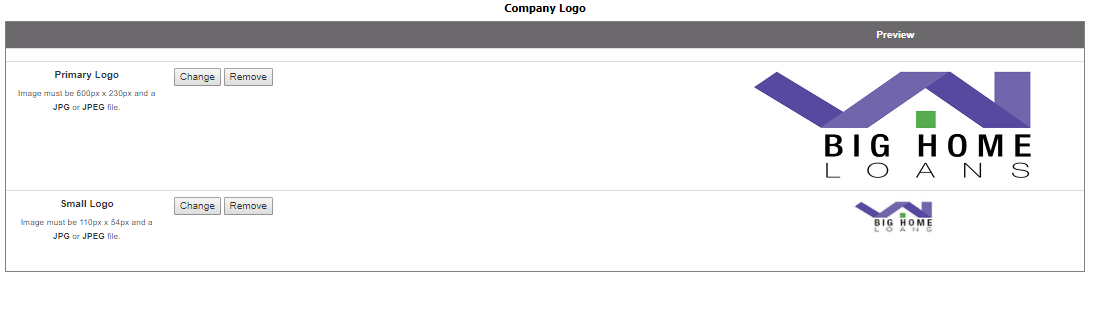
The Primary Logo refers to the logo seen on the log in page. The Small Logo refers to the logo in the upper left-hand corner of the nCino Incentive Compensation menu. All logos must be JPEG files.
To upload a new logo,
- Click Choose File.
- In the pop up, select the new logo.
- Click Open.
- Click Save. The new logo will be visible immediately after uploading.
NOTE: This must be done separately for the Primary Logo and the Small Logo
To change the logo,
- Click Change.
- In the pop up, select the new logo.
- Click Open.
- Click Save. The new logo will be visible immediately after uploading.
To remove the logo, click Remove. Both logos must be removed individually
See also: