External Links Management
The External Links Management page allows those with Executive access level to add links to external sites. These links are available by clicking the link icon on the nCino Incentive Compensation menu bar.
To access this page,
1. Click the gear icon.
2. Click System Admin.
3. Click Company Profile.
4. Click External Links Management.
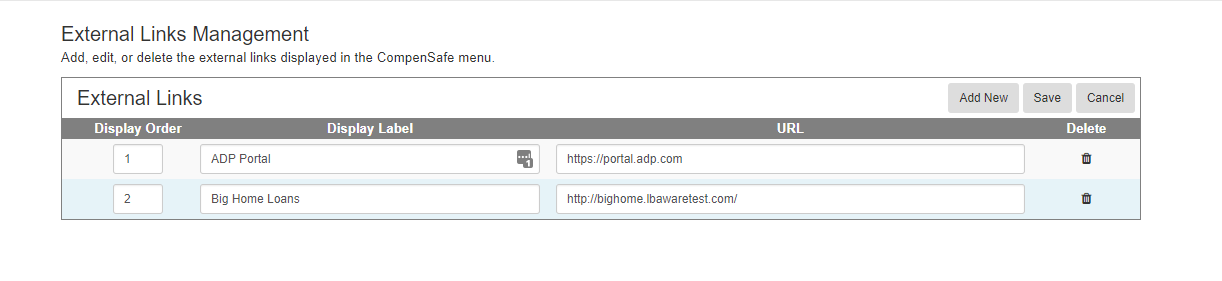
To add a new link,
1. Click Add New.
2. Enter the Display Label. This label will be seen when users click the link icon.
3. Enter the external link.
4. Click Save.
1. Click Add New.
2. Enter the Display Label. This label will be seen when users click the link icon.
3. Enter the external link.
4. Click Save.
To reorder a link, select the Display Order from the drop down.
To delete a link, click the trashcan icon( ).
).
See also: