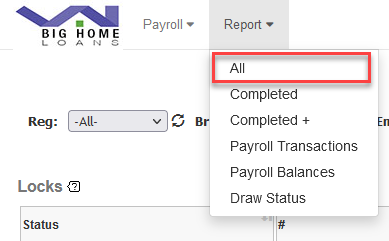
Report Directory
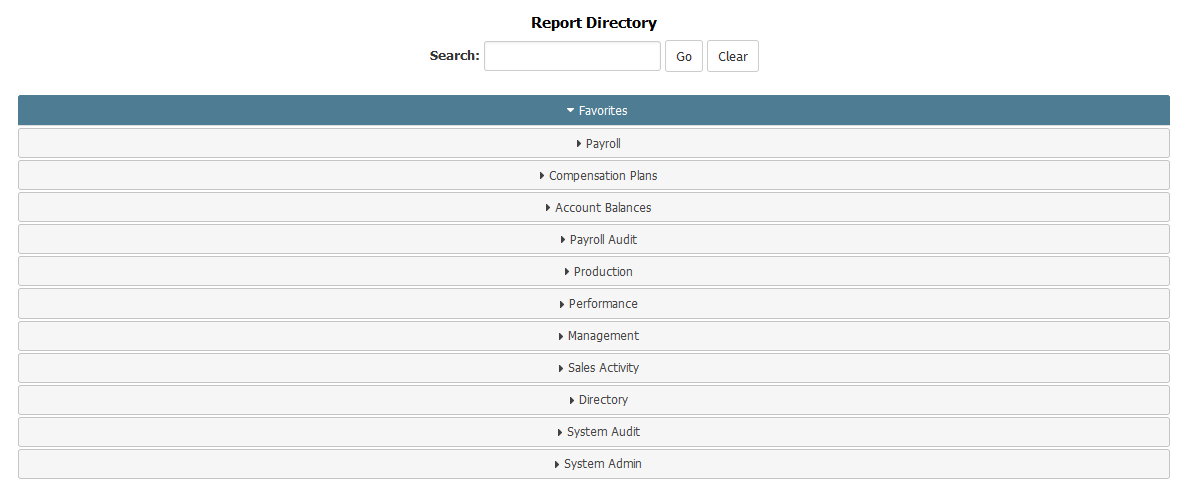
Category Headers
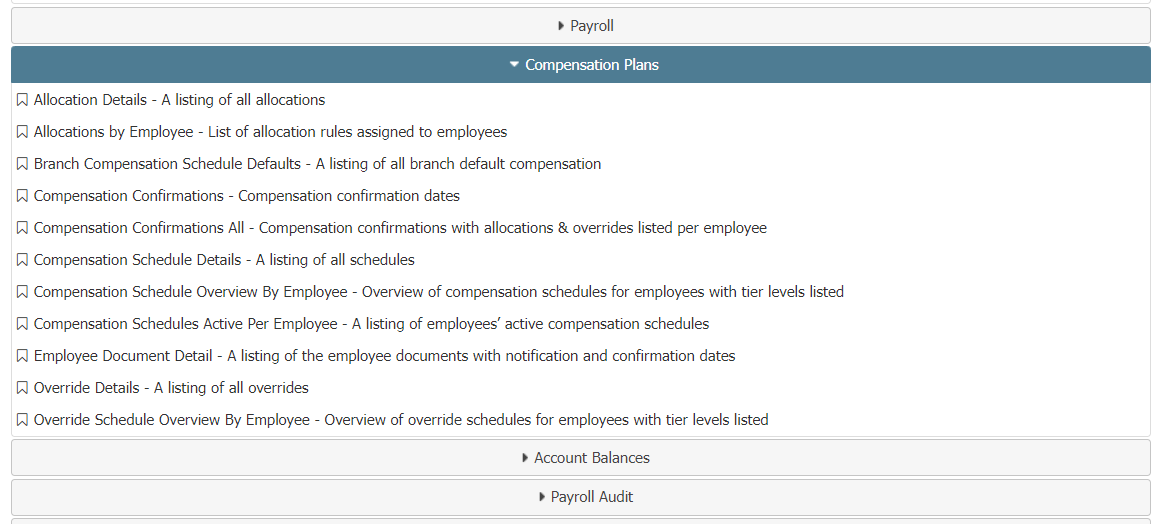
Each of the category headers can be clicked to see corresponding reports.
This will expand the category to show each report in that category. You can then click the expanded category to collapse it again.
Search Tool
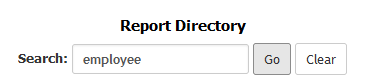
The search tool can find reports based on their titles or descriptions, regardless of category.
Click the "Go" button to search for the selected keywords. Click the “Clear button to clear the search field.
Favoriting and Unfavoriting Reports
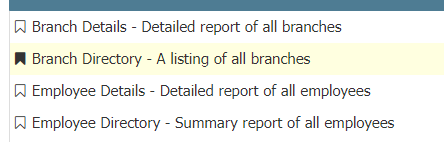
Next to each report is a bookmark icon. This allows you to save reports to your personal Favorites category.
Click an empty bookmark icon to add a report to your favorites. Click a filled bookmark icon to remove a report from your favorites.
See also: