Pay Calendar Overview
The Pay Calendar Overview screen provides a traditional calendar-style view of key payroll dates. This article describes the screen in detail.
Minimum Compensation Access Level Required: Own Production
This screen includes the following selectors:
- Pay Calendar: Dropdown to select which pay calendar is shown. Options include all pay calendars currently active for your company.
- Year Selector: A list of available years
- Payroll Periods report: A report to see details for each payroll period individually. For more information, refer to Payroll Periods Report.
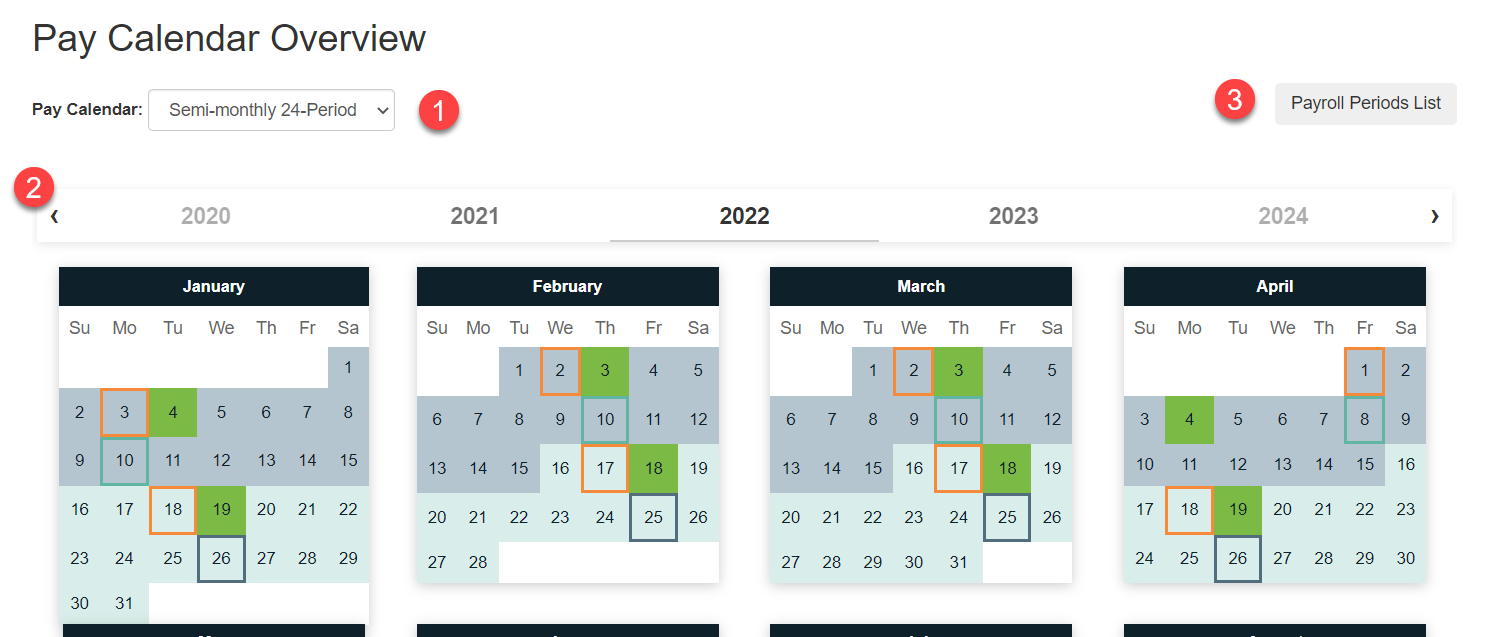
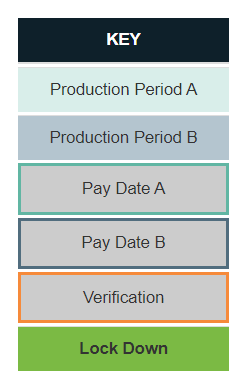
The Pay Calendar shows a calendar view, with dates color-coded and outlined according to the key at the bottom of the page.
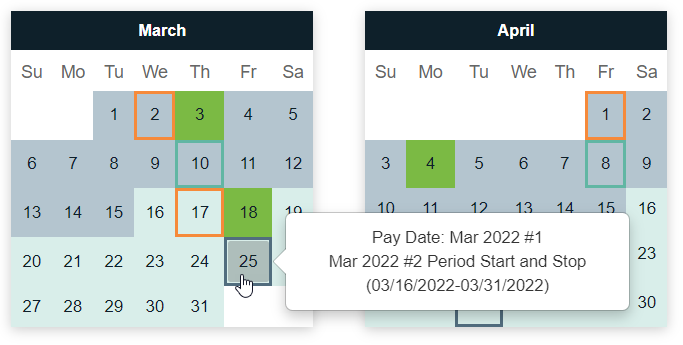
Additionally, you can hover over a specific day to see more information about it, such as what pay period date range it's in, or what payroll key date it is.
See also: