How do I edit or add a branch?
This article covers editing and manually adding branches to your nCino Incentive Compensation.
Minimum Access Level Required: Executive
 ) icon.
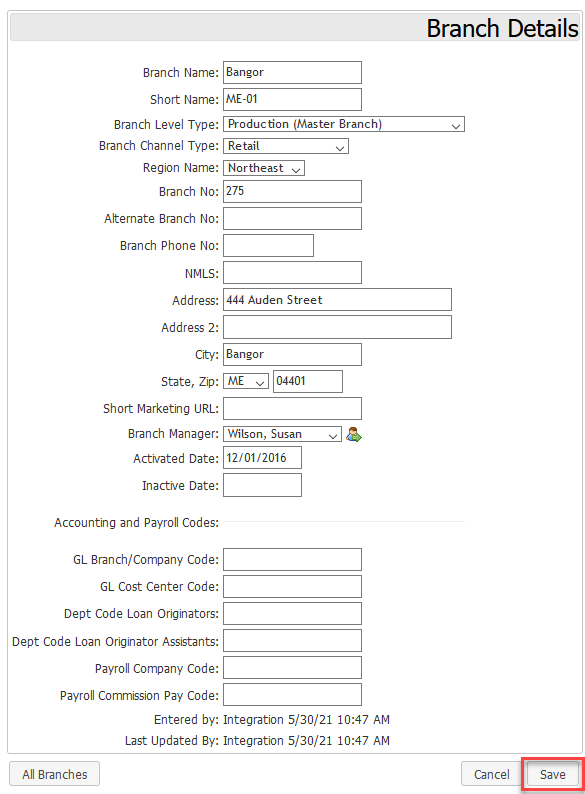
To Add a Branch:
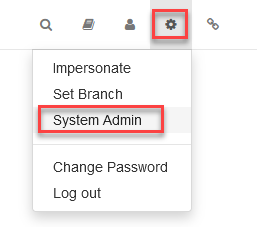
- Click the Gear (
 ) icon, then System Admin.
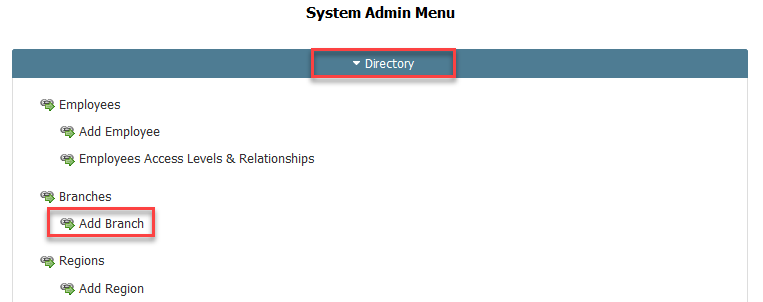
- Go to Directory, then Add Branch.
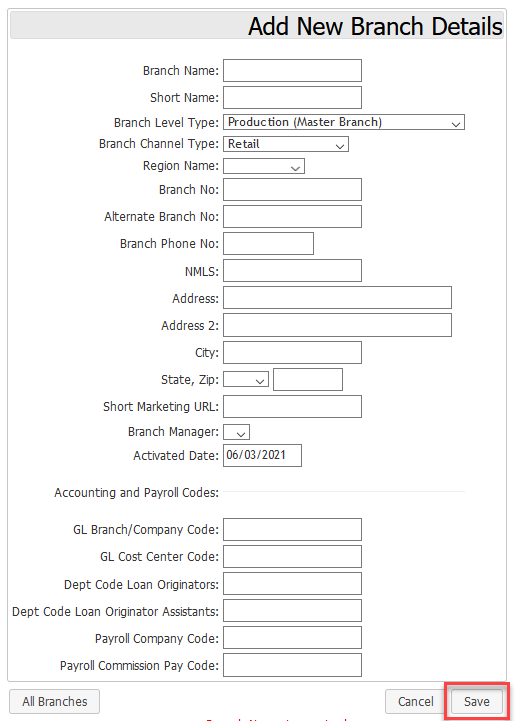
- Enter branch information and click Save New Branch. To return to the previous screen without saving changes, click on Cancel.
- Enter branch information and click Save New Branch. To return to the previous screen without saving changes, click on Cancel.